
AndroGens (No ads)1.13 - Google Play
You'll be able to see results in few seconds.
Publisher Description
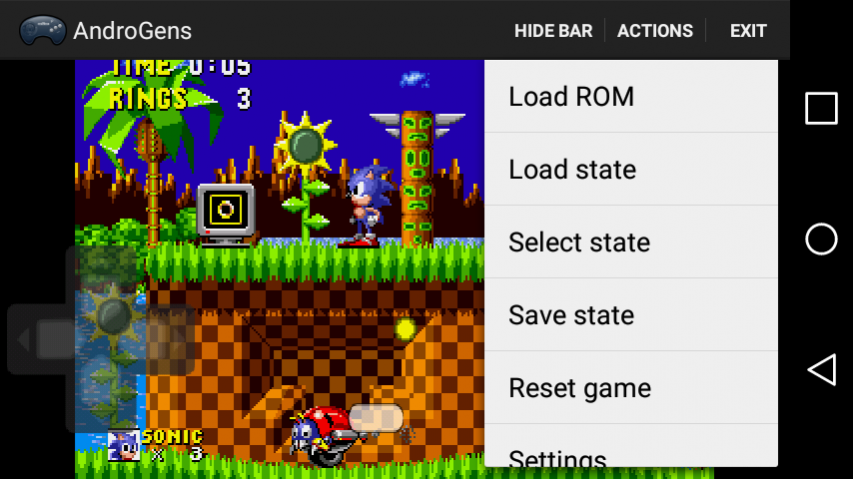
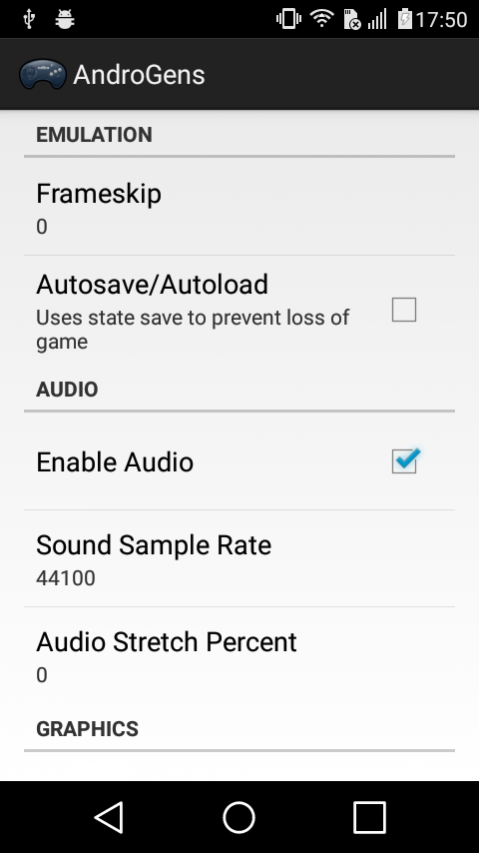
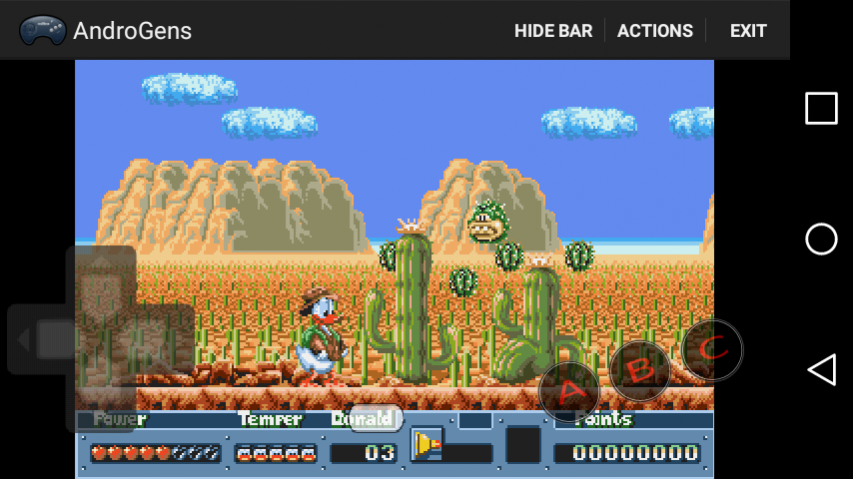
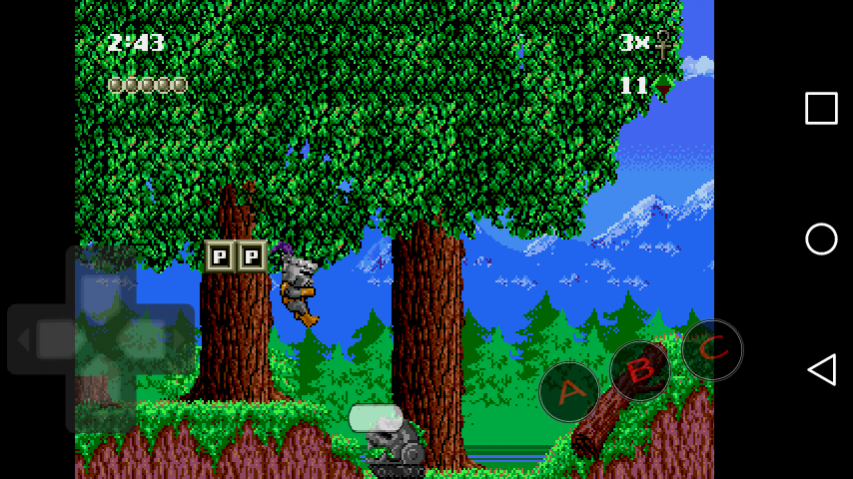
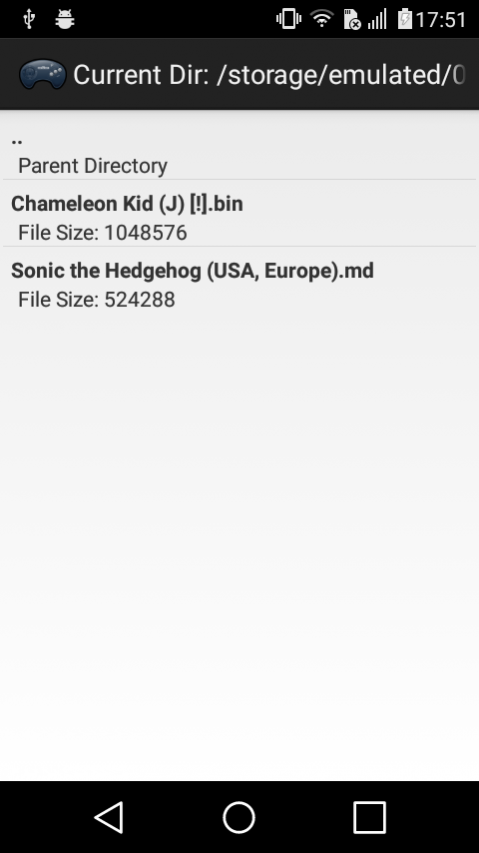
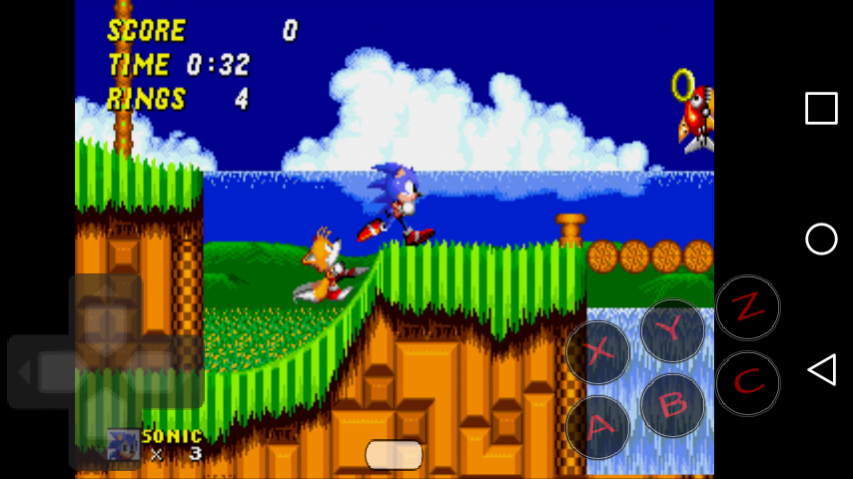
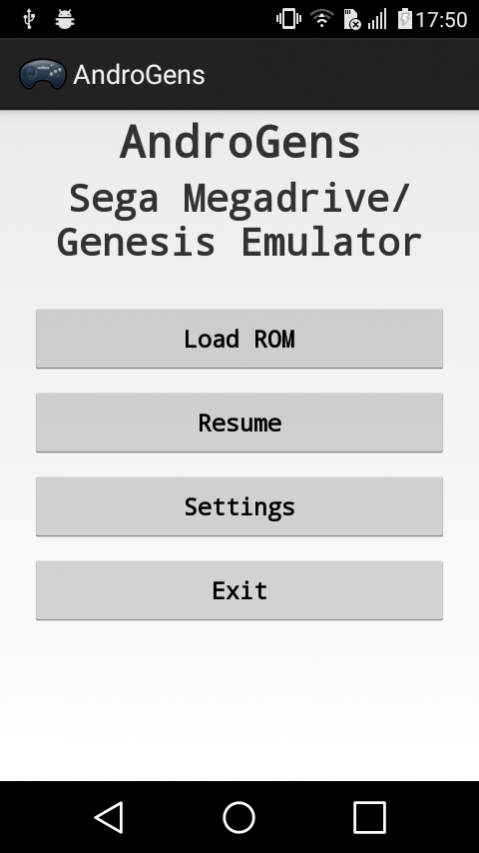
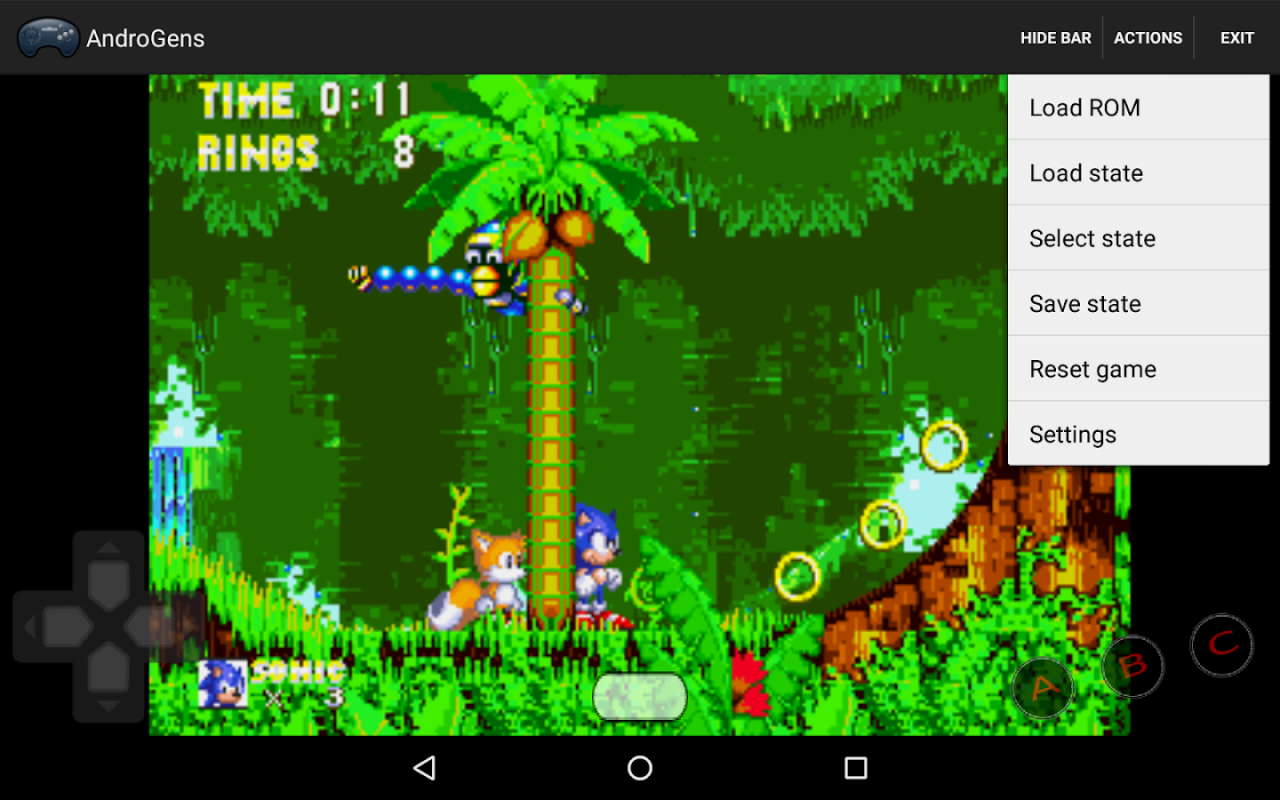
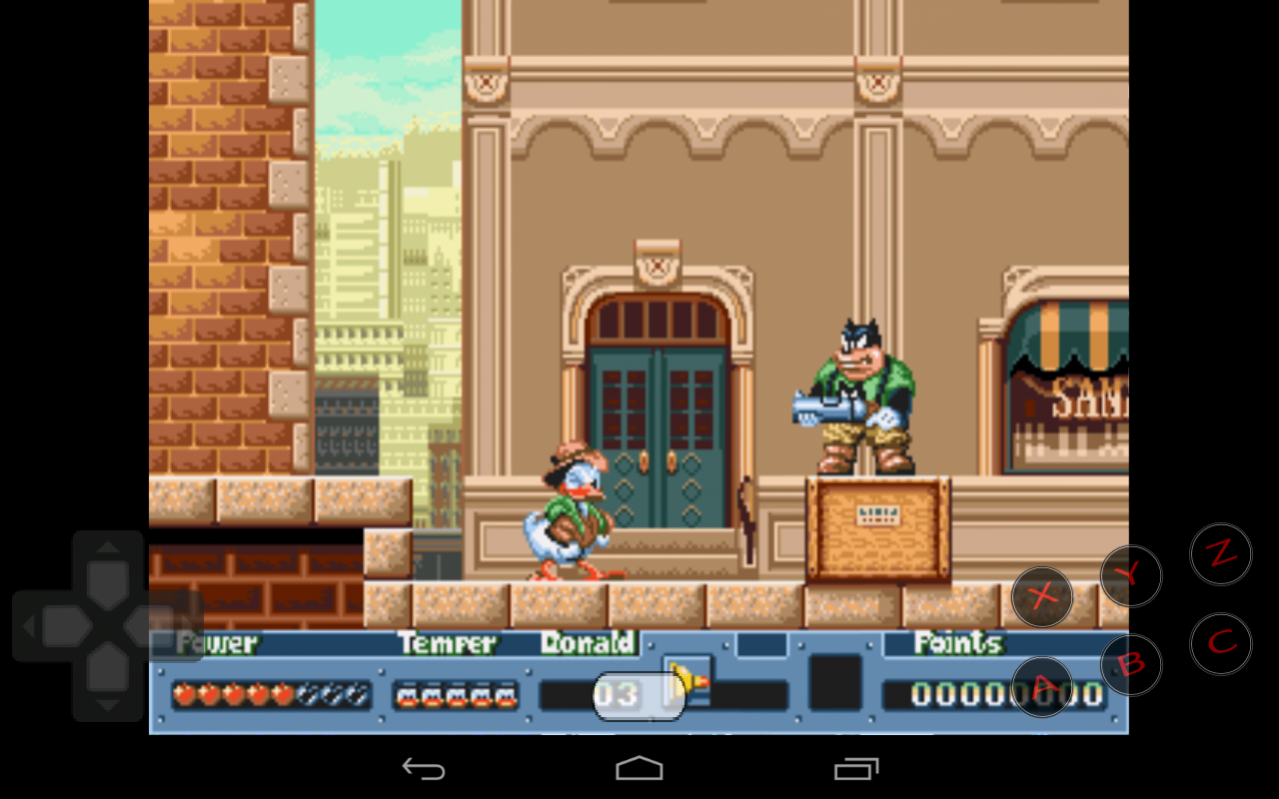
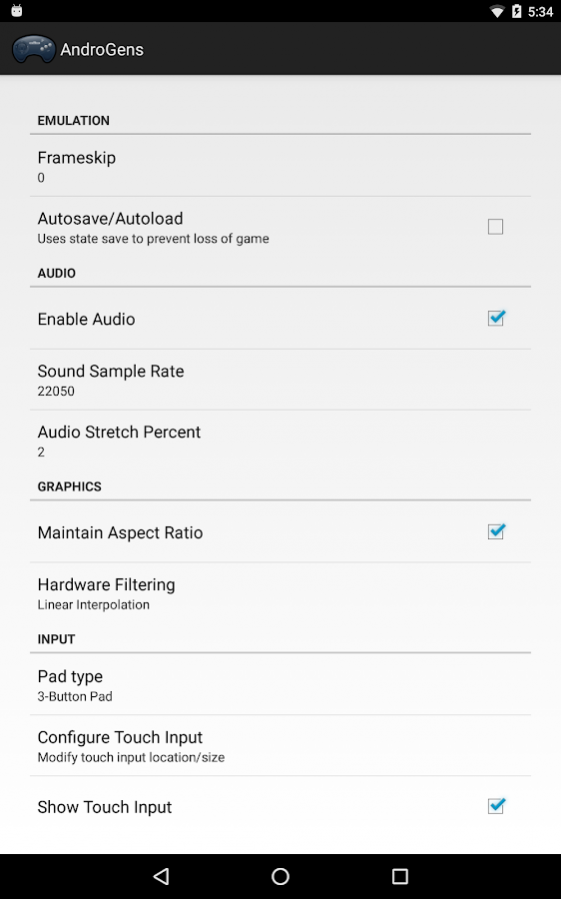
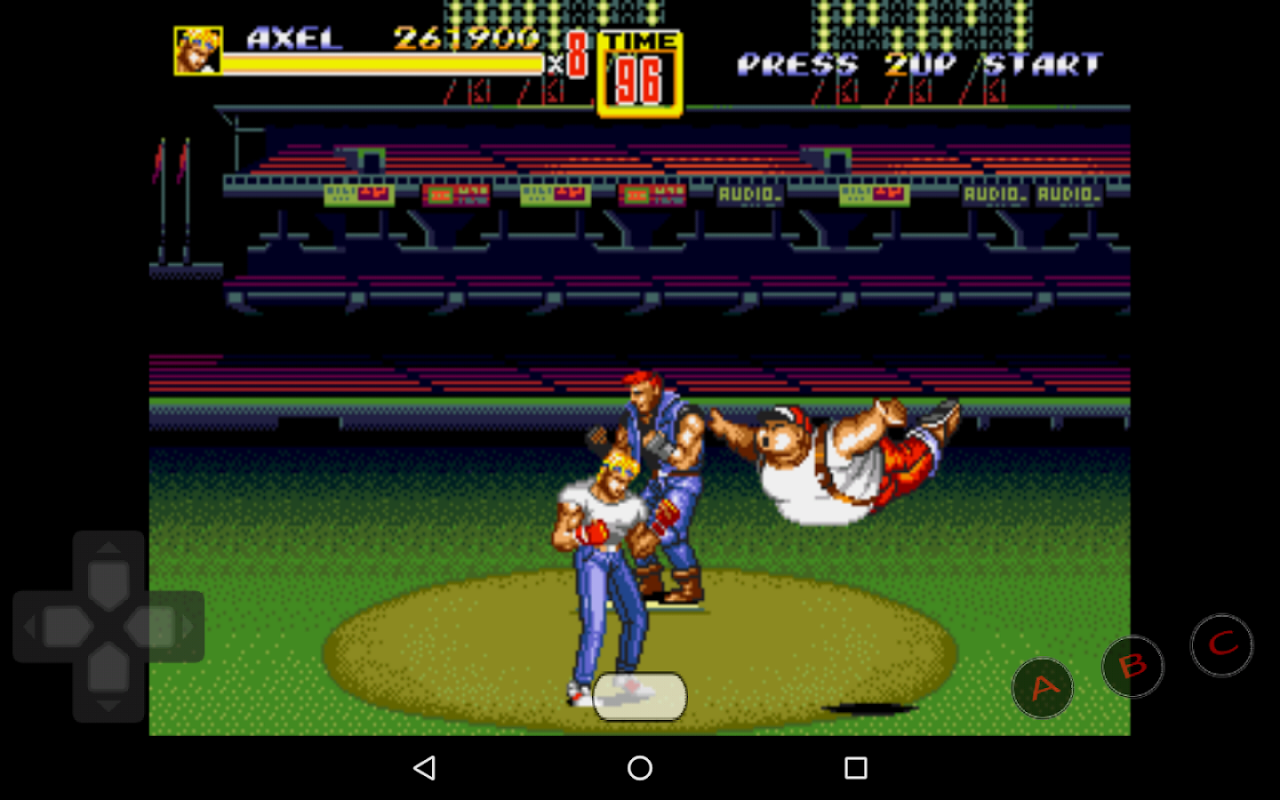
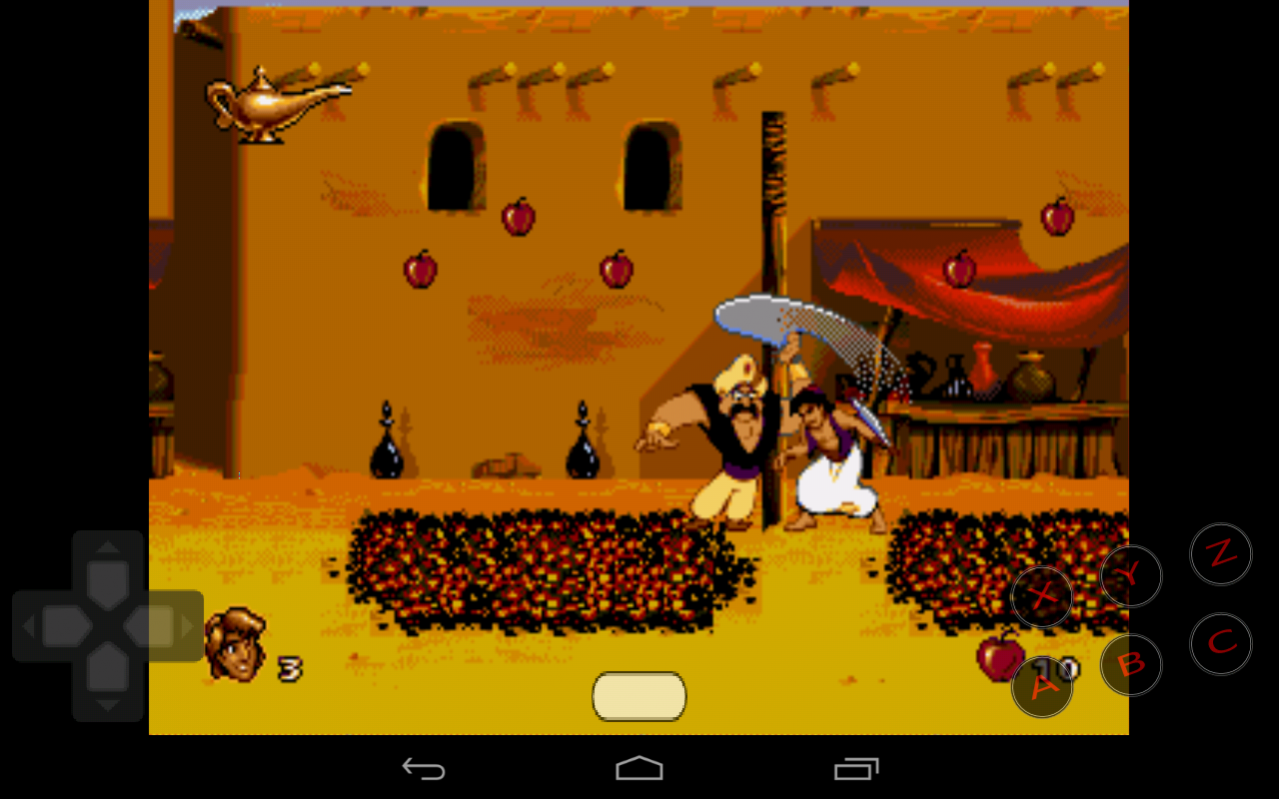
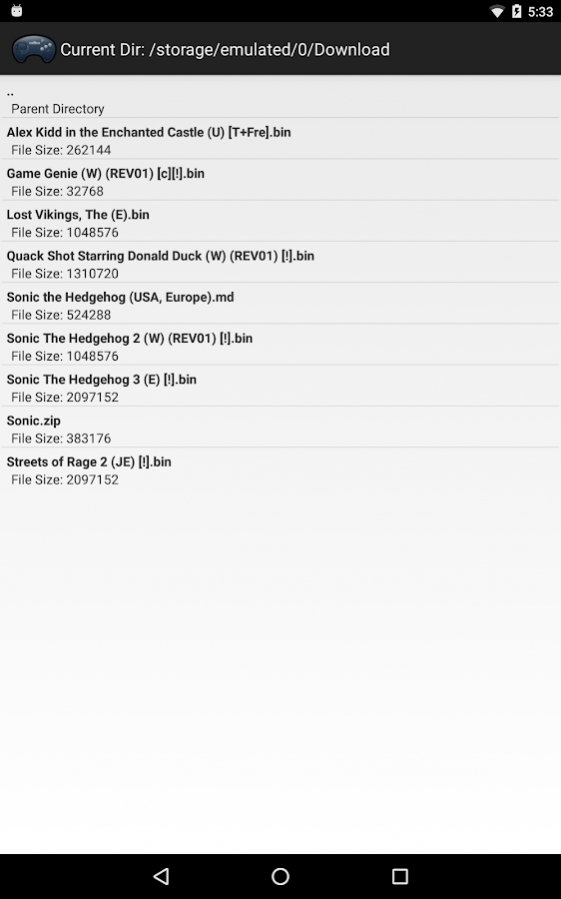
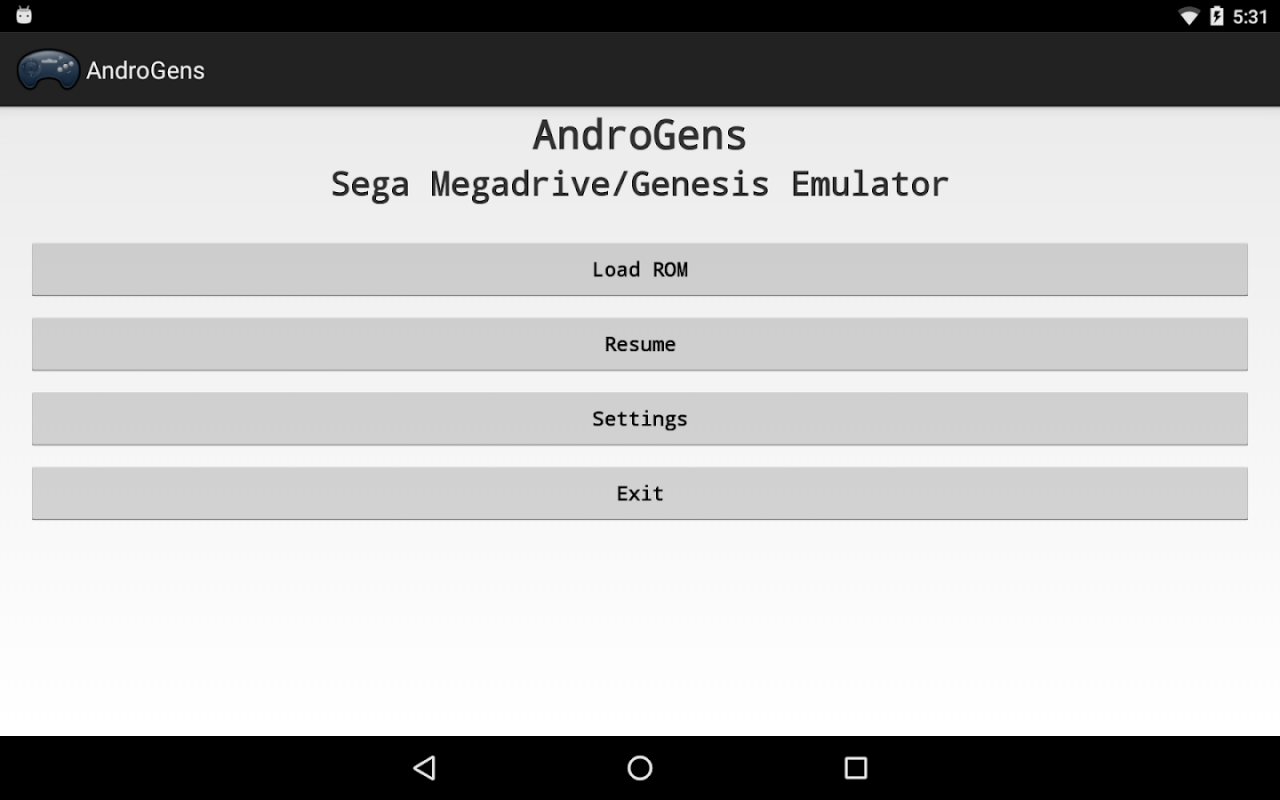
AndroGens is an emulator for Genesis, also called Megadrive in Europe.
It features:
- 99.9% compatibility on Genesis games
- Customizable on-screen buttons (size and position)
- Easy-to-use GUI
- Save state
- Optimized code to save battery life
- Full support for physical controllers
- XPeria Play support
- Support of roms with ".gen", ".bin" and ".md" extensions
This emulator has been downloaded more than 2 million times (for the free version)! After a quite long hiatus, development on this app is ongoing again... Thanks everyone for your support :)
This app just provide the virtual system for Genesis / Megadrive; it does not provide any game.
You must get roms for games that you own over the web.
We can not and will not explain you how to get them.
This is a PAID version of AndroGens, which does not contains ads.
Please check our other apps for a free version of AndroGens that contains ads.
This application is open source.
It is licensed under GPLv2.
You can read GPLv2 license here : http://www.gnu.org/licenses/gpl-2.0.html
It is based on the code from DroidGen, which is also licensed under GPLv2, and which is also based on components, such as Genesis Plus GX (which is also GPL'ed).
You can grab the source code here:
https://tizmoplay.com/AndroGens-GPL.tar.gz
This app is not affiliated with SEGA in any way.
It is not approved, endorsed, supported or produced by SEGA.
"Megadrive" and "Genesis" are trademarks from SEGA.
The games shown in action belong to their respective owners; these images just prove the functionality of the emulator, but do not belong to TizmoPlay.
About AndroGens (No ads)
The company that develops AndroGens (No ads) is TizmoPlay. The latest version released by its developer is 1.13.
To install AndroGens (No ads) on your Android device, just click the green Continue To App button above to start the installation process. The app is listed on our website since 2018-03-26 and was downloaded 0 times. We have already checked if the download link is safe, however for your own protection we recommend that you scan the downloaded app with your antivirus. Your antivirus may detect the AndroGens (No ads) as malware as malware if the download link to com.tizmoplay.androgens_no_ads is broken.
How to install AndroGens (No ads) on your Android device:
- Click on the Continue To App button on our website. This will redirect you to Google Play.
- Once the AndroGens (No ads) is shown in the Google Play listing of your Android device, you can start its download and installation. Tap on the Install button located below the search bar and to the right of the app icon.
- A pop-up window with the permissions required by AndroGens (No ads) will be shown. Click on Accept to continue the process.
- AndroGens (No ads) will be downloaded onto your device, displaying a progress. Once the download completes, the installation will start and you'll get a notification after the installation is finished.
Program Details
System requirements
Download information
Pricing
Version History
version 1.13
posted on 2018-03-26
Minor tweaks
version 1.11
posted on 2017-11-02
- add option to modify directories for states, sram and temp files
- more help
- fix buttons: thiner and less pixelated
- fix fullscreen mode
- fix various sources of crash
- fix file browser: doesn't reset anymore on device orientation change
- PAID version: remove unused Internet access permissions
- Android 6 and above: Add device's file-access permission popup
version 1.10
posted on 2016-10-14
- app can be moved to SD card,- app includes basic help explaining how to play
Disclaimer
Official Google Play Link
We do not host AndroGens (No ads) on our servers. We did not scan it for viruses, adware, spyware or other type of malware. This app is hosted by Google and passed their terms and conditions to be listed there. We recommend caution when installing it.
The Google Play link for AndroGens (No ads) is provided to you by apps112.com without any warranties, representations or guarantees of any kind, so access it at your own risk.
If you have questions regarding this particular app contact the publisher directly. For questions about the functionalities of apps112.com contact us.
